
ASTM E84 Fire Test - PrimeAlux Privacy Fence System
This page explains a specific fire-related laboratory test: ASTM E84, also known as the “surface burning characteristics” test. It reports two indices — Flame Spread Index (FSI) and Smoke Developed Index (SDI) — for the sample that was tested under controlled laboratory conditions.
What ASTM E84 measures
ASTM E84 is designed to compare how materials behave when exposed to a controlled flame in a laboratory tunnel test. The method reports:
-
Flame Spread Index (FSI): a comparative index related to how flame spread progresses along the exposed surface during the test.
-
Smoke Developed Index (SDI): a comparative index related to smoke developed during the test.
ASTM E84 is focused on surface behavior under controlled conditions. It is not a full real-world fire risk or hazard assessment.
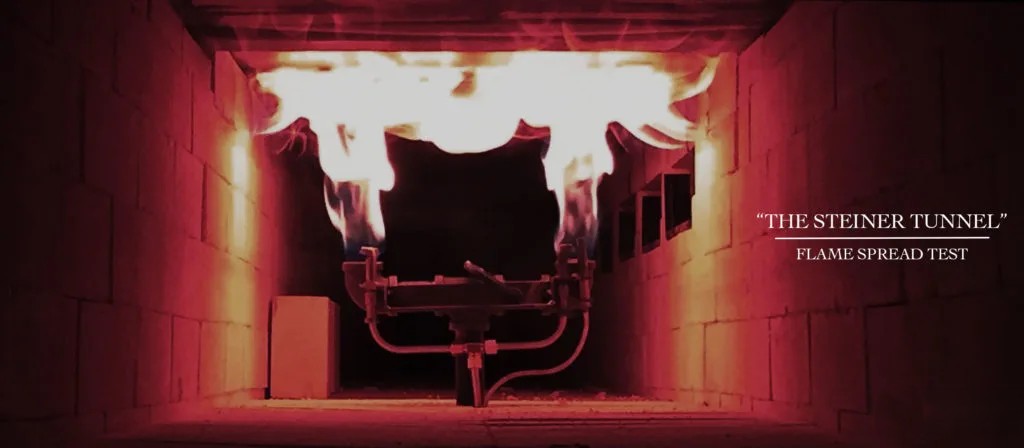
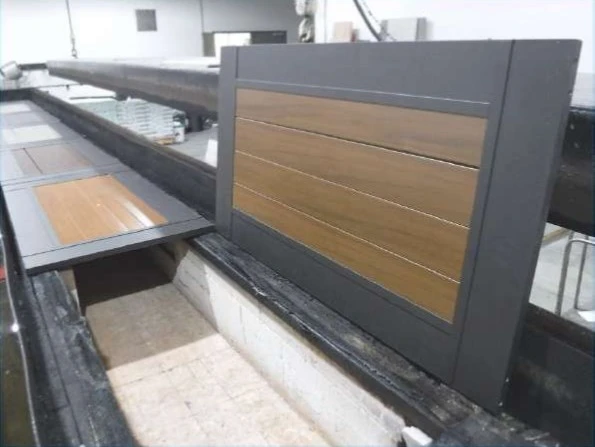
What was tested
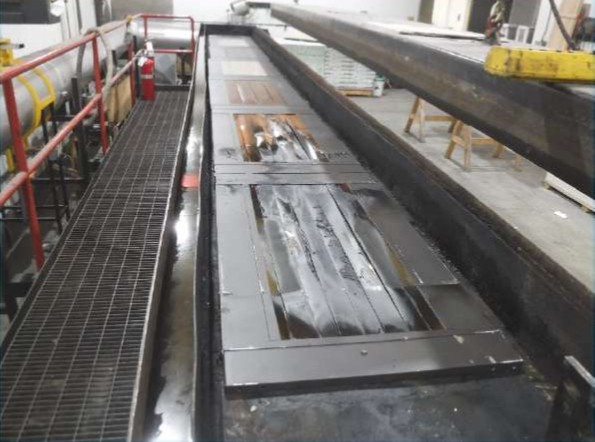
The Intertek report identifies the tested specimen as PrimeAlux Privacy Slat fence system. The report also includes a specimen description (material/composition, thickness, size, and test setup notes) so reviewers can understand what was evaluated.
Test results
ASTM E84 Test Results
-
Flame Spread Index (FSI): 0 (Class A)
-
Smoke Developed Index (SDI): 50 (Class A)
Frequently Asked Questions
Yes. This is a laboratory test report done by InterTek. It summarizes results for the sample that was tested.
ASTM E84 is a standardized method to determine the relative surface burning behavior of a material by observing flame spread along the specimen in a controlled tunnel test. The test reports FSI and SDI as indices.
FSI (Flame Spread Index): an index used to describe how flame spread progressed across the specimen surface during the test.
SDI (Smoke Developed Index): an index used to describe smoke developed during the test.
They are indices from the ASTM E84 method (not a full real-world fire scenario)
Use the PDF as the official lab record and keep your submittal specific to the configuration being quoted/installed (height, layout, application). If a reviewer needs confirmation for a particular project scenario, it should be evaluated by the appropriate authority/consultant using the report and project details.